


Daring Choices



GENRES
FOLLOW US

Introduction:
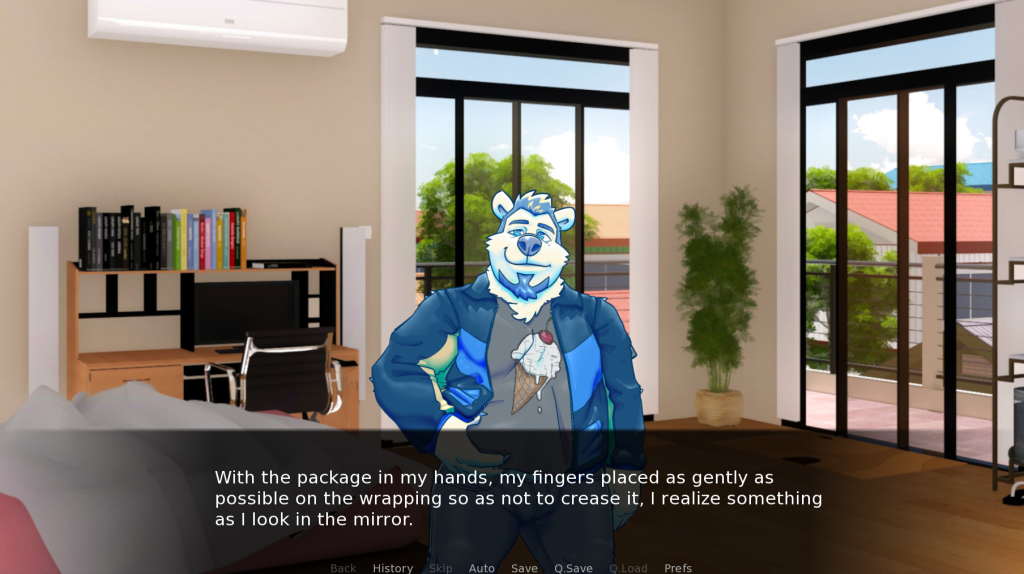
It’s time to choose a date for the upcoming winter prom! All you need to do is ask Theo; this is the big day.
Hopefully, it won’t be too late.

Controls for Keyboard:
- To activate the interface and move the dialogue along, press Enter.
- To move the conversation forward without making any selections, press Space.
- To move about the UI, use the Arrow keys.
- You may reach the game menu by pressing Escape.
- Holding down CTRL will allow you to bypass the conversation.
- Toggle conversation skipping by using Tab.
- To return to the previous conversation, use the Page up button.
- Click “Down” to access the dialogue at a later time.
- To hide the user interface, press H.
- To snap a screenshot, press S.
- Toggle assistive self-voicing with V.
- To enter the accessibility menu, use Shift+A.
Controls for Mouse:
- A left click advances the conversation and opens the interface.
- The user interface is hidden with a middle click.
- The game menu may be accessed with a right-click.
- To return to the previous conversation, click the rollback side button with the mouse wheel up.
- Downing the mouse wheel advances to a subsequent conversation.
Tags:
- Furry
- Gay
- Horror
- LGBT
- Romance
Frequently Asked Questions (FAQs):
What is a Daring Choices?
The game Daring Choices is a visual novel for adults.
Who created the game?
NeveN is the creator of Daring Choices.
When will there be another update?
Although the exact date of the next update is unknown, NeveN will notify gamers via its social media site.
When was the game released?
Daring Choices was released on 11/22/24
Where can I report bugs?
The game’s itch comment sections are where users may report bugs.