
On a String
GENRES
FOLLOW US


Introduction:
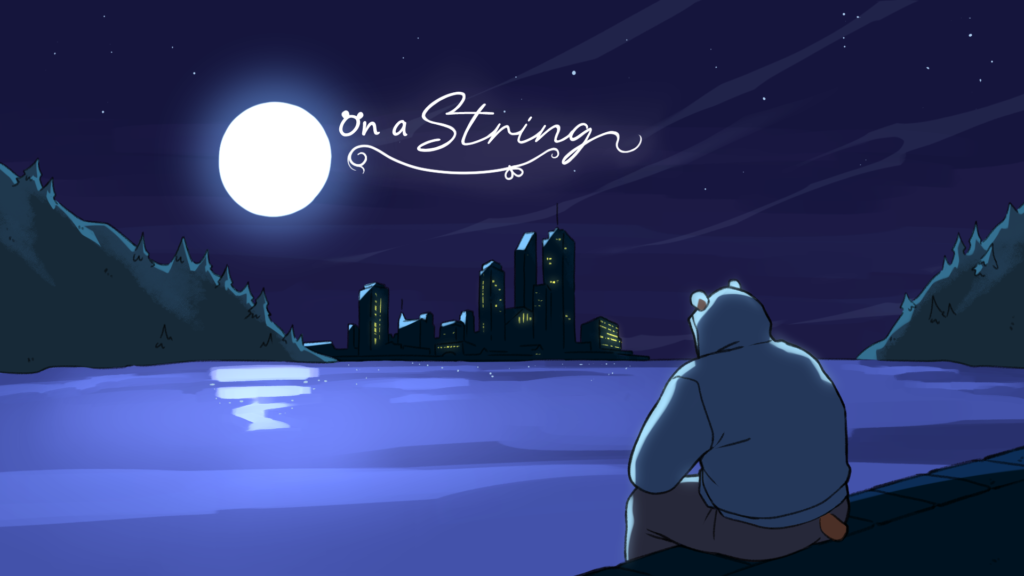
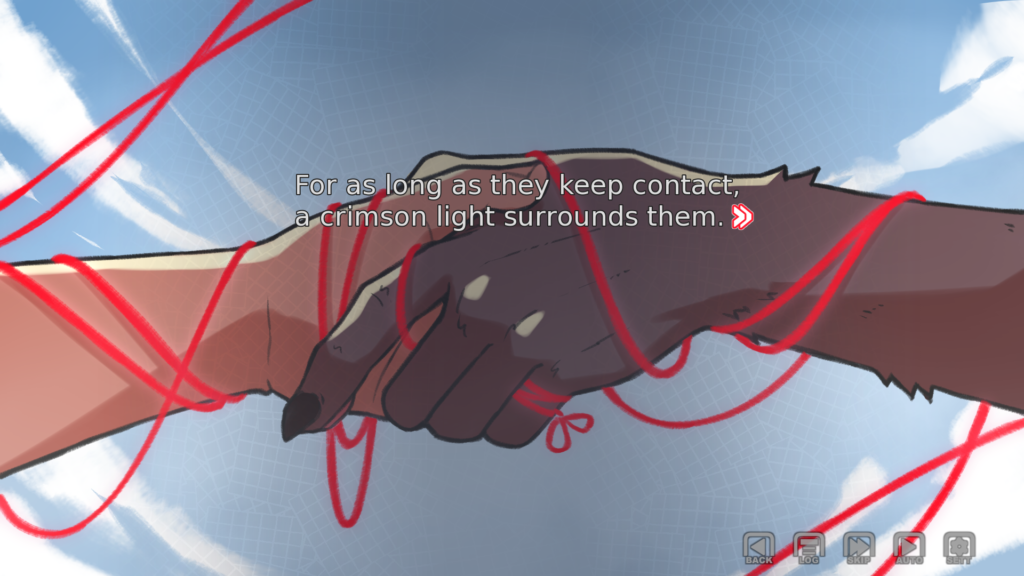
What if it was possible to see the scarlet thread of destiny? However, it is only apparent when the individuals involved make contact. Does that seem like a good thing?
Controls for Keyboard:
- To activate the interface and move the dialogue along, press Enter.
- To move the conversation forward without making any selections, press Space.
- To move about the UI, use the Arrow keys.
- You may reach the game menu by pressing Escape.
- Holding down CTRL will allow you to bypass the conversation.
- Toggle conversation skipping by using Tab.
- To return to the previous conversation, use the Page up button.
- Click “Down” to access the dialogue at a later time.
- To hide the user interface, press H.
- To snap a screenshot, press S.
- Toggle assistive self-voicing with V.
- To enter the accessibility menu, use Shift+A.
Controls for Mouse:
- A left click advances the conversation and opens the interface.
- The user interface is hidden with a middle click.
- The game menu may be accessed with a right-click.
- To return to the previous conversation, click the rollback side button with the mouse wheel up.
- Downing the mouse wheel advances to a subsequent conversation.
Tags:
- Adult
- Bear
- Gay
- LGBT
Frequently Asked Questions (FAQs):
What is On a String?
The game On a String is a visual novel for adults.
Who created the game?
The game was created by Bazcus.
When was the game released?
On a String was made public on December 01, 2024.
Where do I report bugs?
The game’s itch comment sections are where users may report bugs.
A School application makes you find something, that searched you
DogLikeThing
Boris
Waslock
Leave a Reply